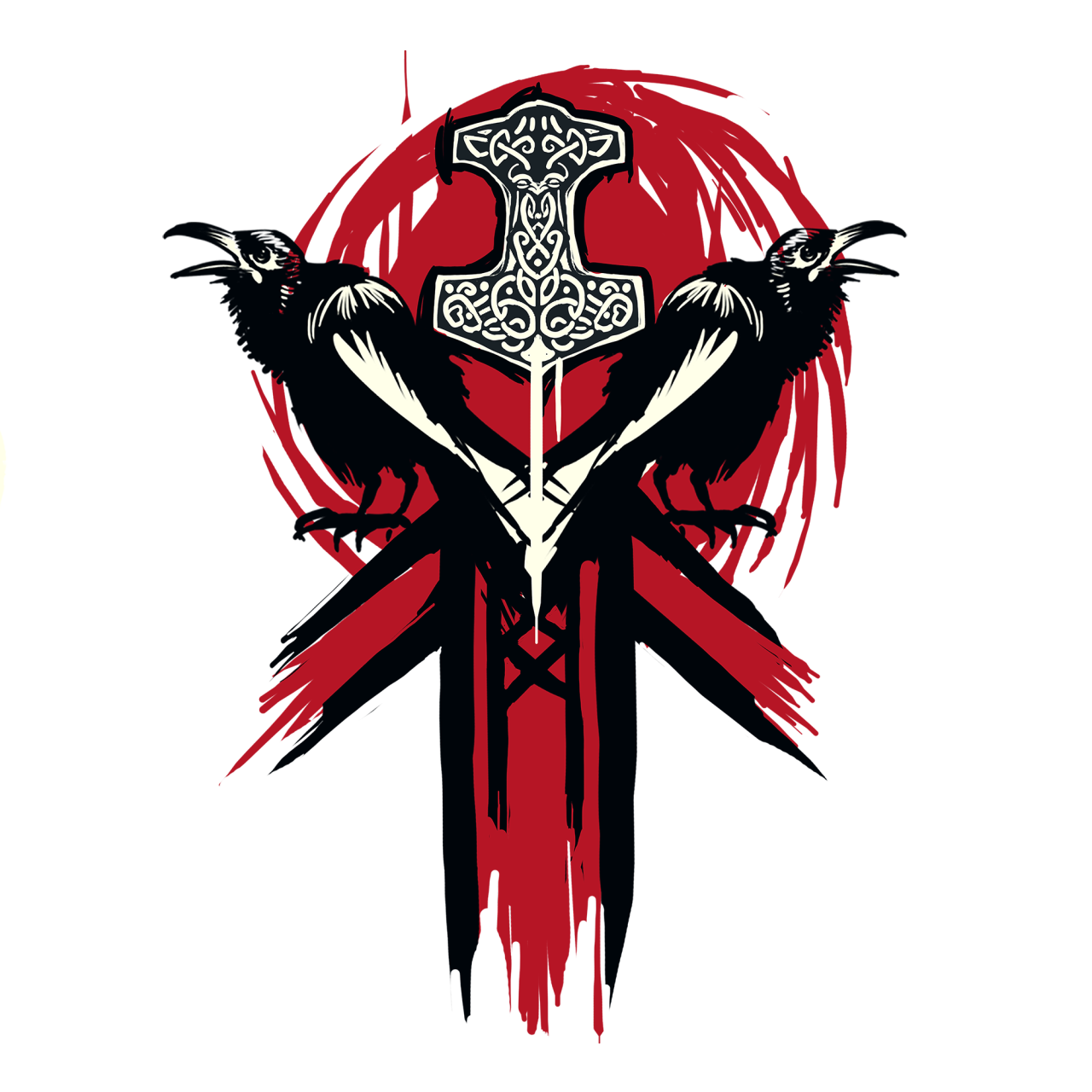
You’re staring at that small, blank shield on the customization screen. We've all been there. You just got wrecked by a Rep 70 Warden who had a clean, minimalist sun emblem, and suddenly your default iron-border thing looks incredibly sad. Emblems in For Honor are basically the only way to show off your personality before you start swinging a poleaxe at someone's head. It’s your calling card. Your brand. Honestly, it’s probably the most underrated part of the Ubisoft fighter because most players just slap a random symbol on and call it a day.
Stop doing that.
The emblem editor is surprisingly deep, but it’s also clunky as hell if you don’t know how the layers interact. You get five symbols, a background, and a frame. That’s it. It sounds limiting until you see what the community actually pulls off. People are out here making intricate anime characters, historical heraldry, and even memes using nothing but a few geometric shapes and some clever positioning.
Why Your For Honor Emblems Probably Look Like Trash
Most people fail at making a decent emblem because they try to be too literal. They want a dragon, so they pick the dragon symbol and put it in the middle. Done. Boring. If you want something that actually looks professional, you have to think about "negative space."
Think about how the actual game renders these things. When you're in the loading screen or standing over a captured zone, your emblem is small. If it’s too busy, it just looks like a colorful blob. The best designs usually stick to three colors max. Look at real-world heraldry—there’s a reason knights used high-contrast colors like gold on black or white on red. It was for visibility. In For Honor, it's about making sure the guy you just executed knows exactly who sent him back to the respawn screen.
Also, for the love of the Gods, stop using the default frames. The basic wooden or iron frames scream "I just started playing yesterday." There are dozens of frames unlocked through Scavenger Crates, events, and Ubisoft Club (now Ubisoft Connect) rewards. Some of the older seasonal event frames have textures that completely change how your colors pop.
The Art of Layering: Going Beyond the Basics
The real magic happens when you stop seeing symbols as "pictures" and start seeing them as "parts."
Let’s say you want to make a Spartan helmet. You aren't going to find a "Spartan helmet" symbol that looks good. Instead, you take a curved crescent shape for the crest, a rectangle for the face plate, and maybe a circle to mask out the edges. You’re kitbashing. This is where the transform tools—scale, rotate, and position—become your best friends.
The Background is Your Base Layer: Don't just pick a solid color. Use the split backgrounds to create horizons or bicolored shields. This gives your foreground symbols more "pop" without using up your five precious symbol slots.
The Masking Technique: This is the pro move. You use one symbol to "cut out" a shape from another. If you want a crescent moon but don't like the default one, put a large circle down, then put another circle over it that’s the same color as the background. Boom. Custom crescent.
Color Consistency: Stick to a palette. If you’re going for a Viking vibe, muted earth tones, deep reds, and navy blues work best. If you’re a Samurai main, maybe you want those vibrant teals or classic cherry blossom pinks. Just don’t mix neon green with muddy brown unless you're intentionally trying to make people's eyes bleed.
Real Examples and Community Legends
If you head over to the For Honor Emblems subreddit (r/ForHonorEmblems), you’ll see the absolute peak of this craft. There are users who have spent years perfecting the "Uchiha Clan" logo or the "Dark Souls Bonfire."
There was a period where everyone was running around with the "Ahegao" face emblem. It was everywhere. Ubisfot eventually had to step in because, well, it’s a T-rated game and some people took it way too far. This brings up a huge point: the ban hammer. For Honor has a reporting system for offensive emblems. Avoid the obvious stuff—hate symbols, overly graphic imagery—because Ubi is surprisingly quick to reset your emblem to a blank slate if you get reported enough. And honestly? Making a Swastika or something similar isn't just edgy; it's a waste of a creative tool. It shows you have zero imagination.
Instead, look at the "House Stark" wolves or the "Vanguard" logos people have built. These require precise coordinates. If you're struggling, you can find tutorials that give you the exact X and Y coordinates for every layer. It’s basically paint-by-numbers for warriors.
The Shape of Your Shield Matters
Did you know your faction choice changes the shape of your emblem? This is a huge detail people forget.
- Knights: You get the classic "Heater" shield. It’s tall and pointed at the bottom. Great for vertical designs.
- Vikings: The round shield. This is arguably the best shape because it’s symmetrical. It’s much easier to center things on a circle.
- Samurai: The rectangular "O-fuda" or banner style. This is the hardest one to work with because it’s so narrow.
If you have a killer idea for a circular design but you’re a Knight main, you’re gonna have a bad time. The edges will get cut off. Some players actually switch factions just to get the emblem shape they want, though keep in mind that switching factions during a campaign will cost you your end-of-season rewards. Is a cool emblem worth losing a few loot crates? For most of us fashion-hunters, the answer is a resounding yes.
Transform Your Look: Practical Steps
Alright, enough theory. If you want to fix your emblem right now, here is exactly what you should do. First, clear everything. Start with a blank canvas.
Pick a "theme." Are you a mercenary? A holy crusader? A chaotic cultist? Once you have the vibe, pick two primary colors. Use a split background to divide your shield. Now, take your "main" symbol and put it in the center, but don't just leave it there. Scale it up until it almost touches the edges.
Now, use your remaining four slots to add "texture." Use small flourishes, dots, or lines to frame that central symbol. It makes the whole thing look intentional rather than accidental. If you’re playing a hero with a lot of capes or back-plates—like Lawbringer or Warmonger—remember that your emblem shows up HUGE on your armor. What looks okay in the editor might look distorted on a flapping piece of cloth. Always check your hero customization screen after editing your emblem to see how it actually sits on your gear.
Use External Tools
Don’t try to do this entirely by eye if you’re going for perfection. There are web-based emblem editors that let you mock things up on a PC browser which is way faster than using a controller. You can't "import" them directly into the game (Ubisoft isn't that nice), but you can have the browser open on your phone while you copy the coordinates into your console or PC.
The most important thing to remember is that For Honor emblems are a part of the "For Fashion" endgame. Your gear looks better when it matches your emblem. Your execution feels more personal when your victim sees your custom-made crest on the death screen. It’s the little things that keep this game alive years after launch.
Final Technical Check
Before you exit the editor, check your layers one last time.
- Layer 1 (Bottom): Usually your largest "base" shape.
- Layer 5 (Top): Usually your "detail" or "mask" layer.
- Scale: Ensure nothing is clipping weirdly into the frame.
- Symmetry: Toggle the "flip" option to see if your symbol looks better mirrored.
Once you save, it’s live. Go into a Duel, win (hopefully), and let them see the work you put in.
Where to Go From Here
Go to the Ubisoft Connect store and see if you have any unclaimed "Emblem Packs." They’re usually free or cost a tiny amount of Units you earn just by playing. These packs contain shapes you literally cannot get anywhere else.
Next, spend ten minutes in the editor experimenting with the "Transform" tool. Most people don't realize you can stretch shapes into thin lines or squash them into pancakes. This is how you create "custom" borders within the shield itself.
Finally, look at your main hero's color palette. If your hero is decked out in the "Blackstone Legion" colors (orange and black), but your emblem is bright blue and neon pink, you’re going to look like a mess. Sync your emblem colors to your favorite attacker/defender palettes. It makes your entire character silhouette feel cohesive and, honestly, much more intimidating on the battlefield.